Content
For an overview of all the different types of content you can insert into Outline documents see the nested documentation below.
The block menu
An Outline document is made up of text with inline formatting and blocks of content. To open the block menu click on the “[+]” icon that appears when an empty line in the document is focused. You can also type a/ character to quickly open the menu, and keep typing to filter.
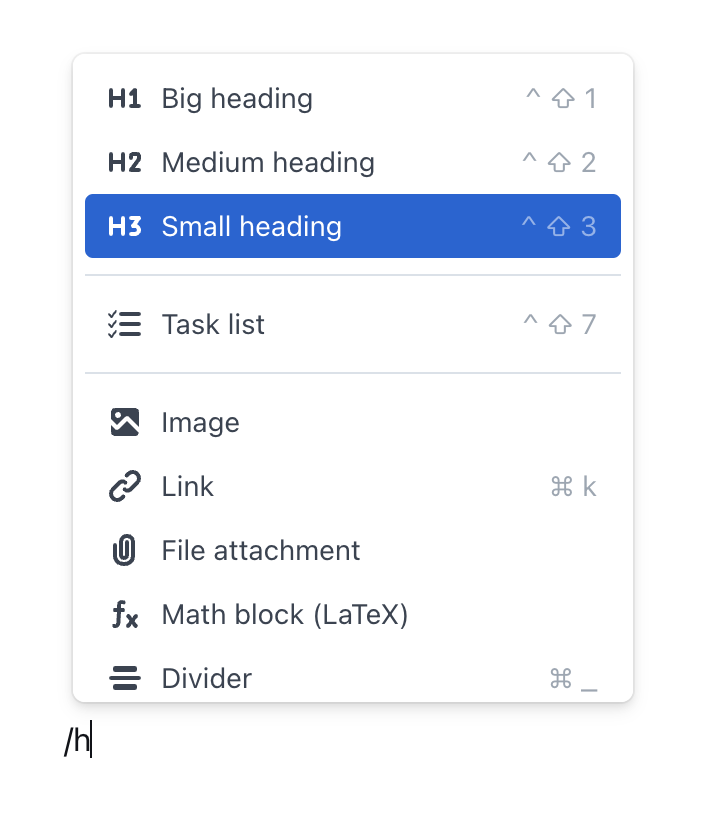
Opening the menu with slash