Diagramming
Diagrams.net
Outline includes support for diagrams.net, you can insert through the block menu or by typing /diagram directly – you will then see the option to insert a new diagram.
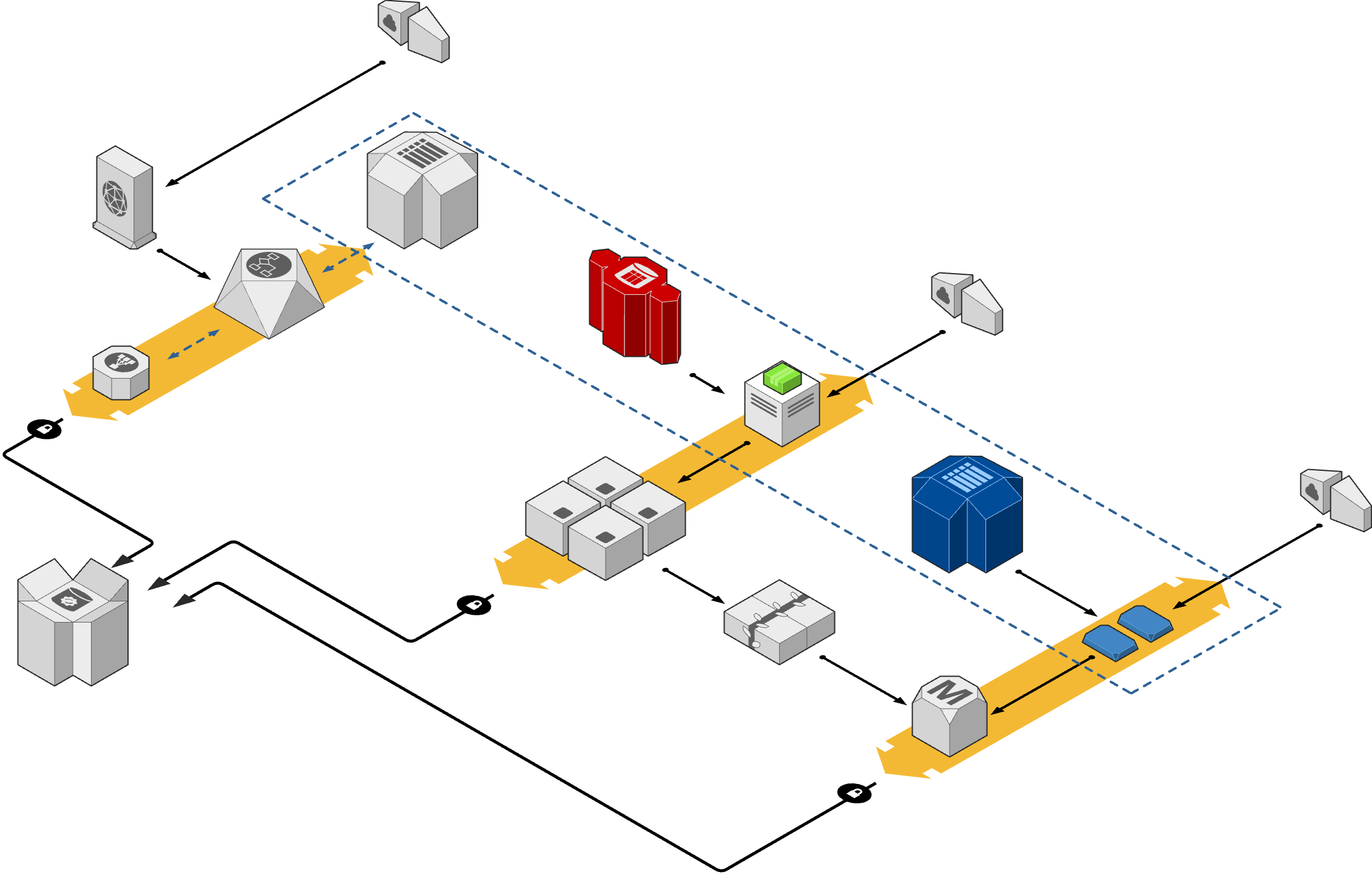
When a new diagram is added to the document the editor will be automatically opened where you can draw. Every time the diagram is saved it will be updated in Outline in realtime. Diagrams are stored in Outline as PNG’s with embedded data, as such they can be used like regular images – with the lightbox, captions, and comments.
Edit an existing diagram
To update an existing diagram in a document, simply highlight the image and click on the edit/pencil icon to reopen on diagrams.net.
Note that the Outline document must be kept open while drawing on diagrams.net for the data to be sent back and saved correctly.
Importing
Existing diagrams can be imported by using the File → Export as → PNG option on diagrams.net – then insert the image into a document.
Self-hosting
It is also possible to use your own instance of diagrams.net deployed on your own infrastructure. To setup, just go to Settings → Integrations → Diagrams.net and enter the hostname where diagrams.net is deployed.
Example
Mermaid
Outline also includes support for the popular Mermaid diagramming library. To insert a Mermaid diagram create a code block through the block menu and change the language to “Mermaid diagram” or type /diagram directly – you will then see the option to switch between a source code and diagram view.
Example
sequenceDiagram
    Alice->>John: Hello John, how are you?
    John-->>Alice: Great!
    Alice-)John: See you later
Icons
FontAwesome icon packs fa-solid and fa-brands are included - enabling use of ~2,500 icons across architecture diagrams and other supported diagram types.
You can use these through the fa-solid: or fa-brands: prefix, for example:
architecture-beta
    service api(fa-solid:server)[API]
    service db(fa-solid:database)[Database]
    service repo(fa-brands:github)[GitHub]
Supported diagrams
The following diagram types are supported:
Flowchart
Sequence
Gantt
Class
Git
Entity relationship
User journey
Quadrant chart
XY chart