Mentions
Outline supports mentioning a number of different entities including users and groups in your workspace using the @ syntax.
Users and groups
To mention another user or group directly you can use the @ syntax which will bring up a list of team members, keep typing to filter the list. Mentioning a team member or group will cause them to receive a notification if they have access to the document.
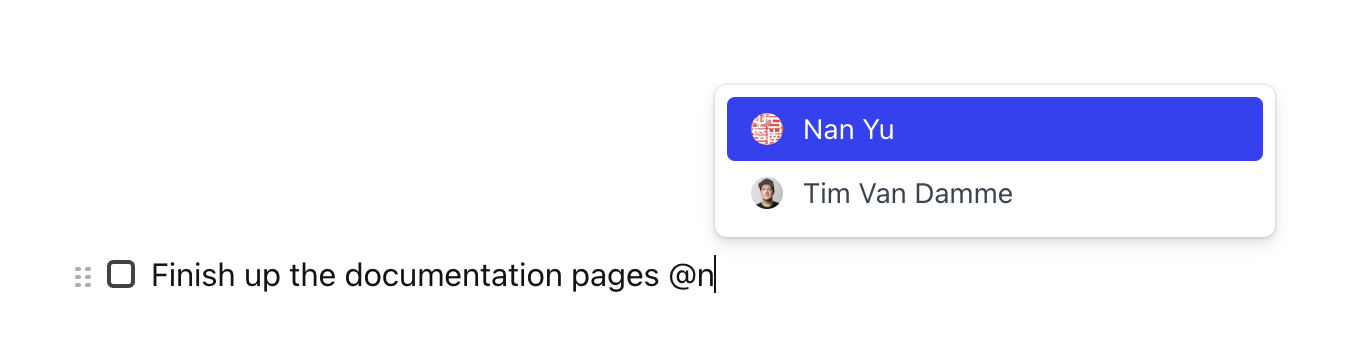
Mentioning a user
Documents and collections
You can also embed small previews of documents and collections through either @ mention syntax, or the [[ shortcut. The title and icon will be automatically kept up-to-date. Keep typing to see the option to “Create a new doc” through this menu, giving easy access to on-the-fly document creation.
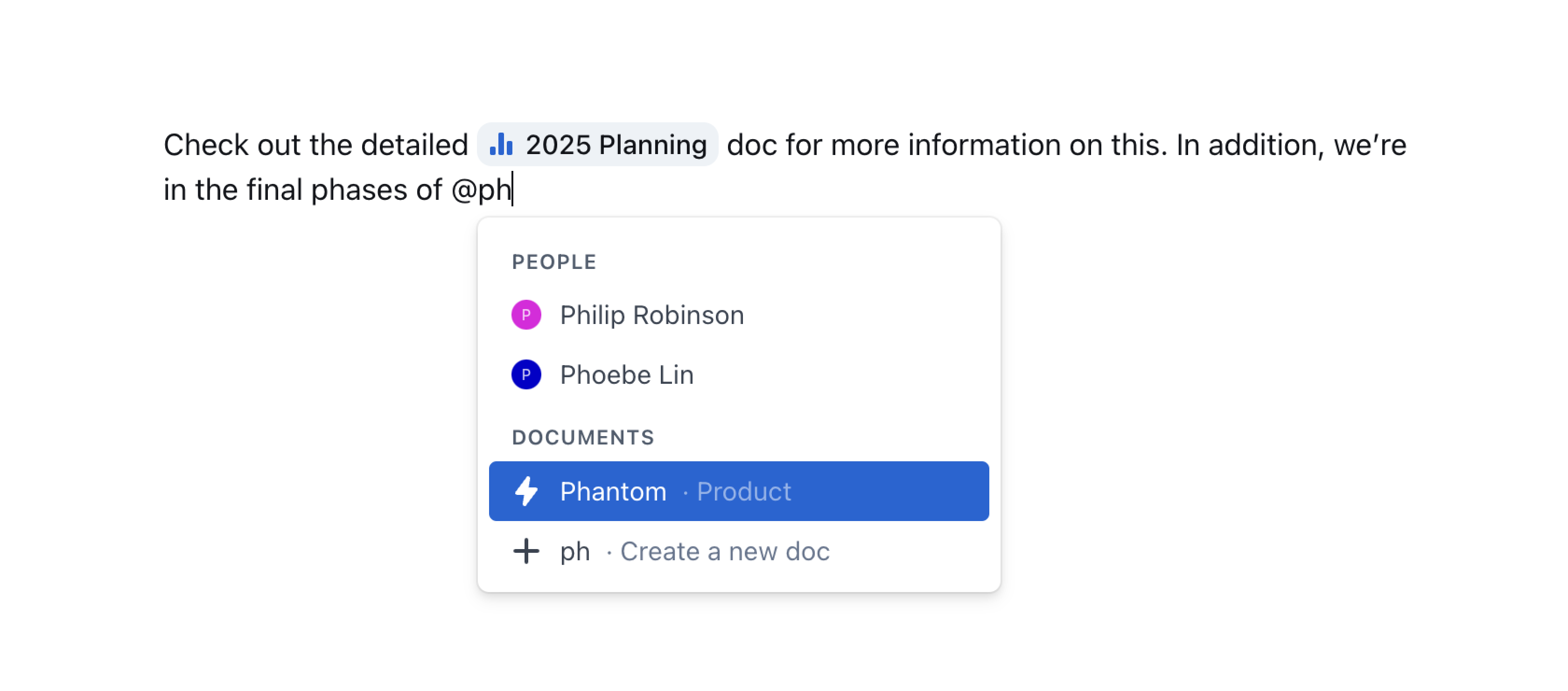
Mentioning a document